How to report a bug or request a feature
Send a problem or an idea straight to the JobBills team.
We read every report and idea.
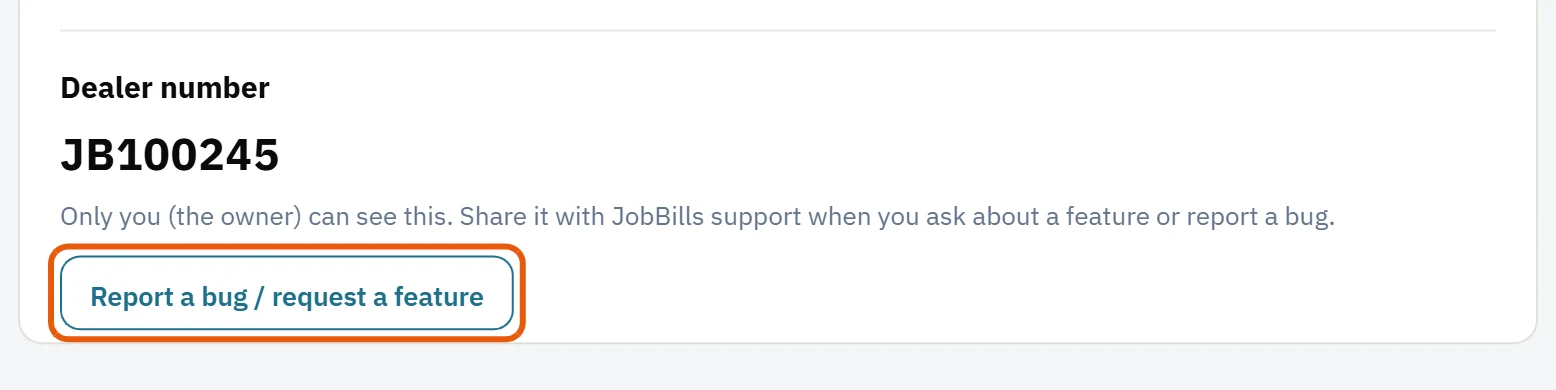
- Go to Settings and press Report a bug / request a feature.
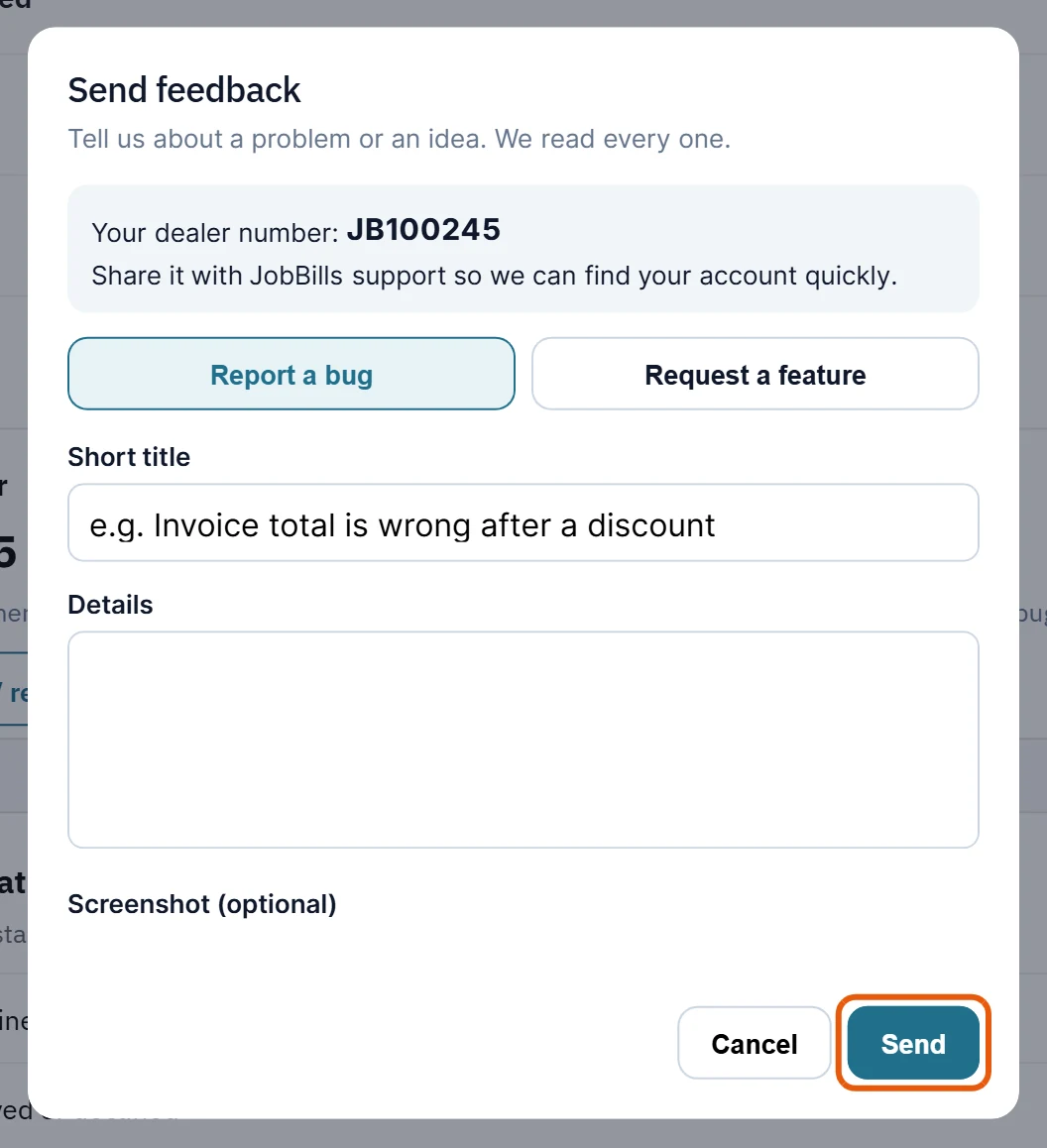
- Choose Report a bug or Request a feature.
- Give it a Short title.
- Describe it:
- Bug: what you did, what happened, and what you expected.
- Feature: what you'd like it to do, and how it would help.
- Press Send feedback. You get a reference number, and you can see its status in the list: Not started, Working on it, Done or Won't do.
Your dealer number
Your dealer number is shown in Settings. Only the owner can see it. Share it with JobBills support when you email us, so we can find your account quickly.
Tip: You can also email [email protected], or ask the help chat from the ? button.
Was this guide helpful?
Related guides
How to find your way around JobBillsHow to use JobBills on your phoneThe Getting started checklistStill stuck? Inside JobBills, press the round ? button to ask the help chat, or email [email protected].