How to create your JobBills account
Sign up for free in about two minutes. No credit card needed.
JobBills runs in any web browser on a computer, tablet or phone, so there's nothing to install to get started.
Sign up
- Go to jobbills.com/signup.
- Type your business name, your name, email, company phone and a password.
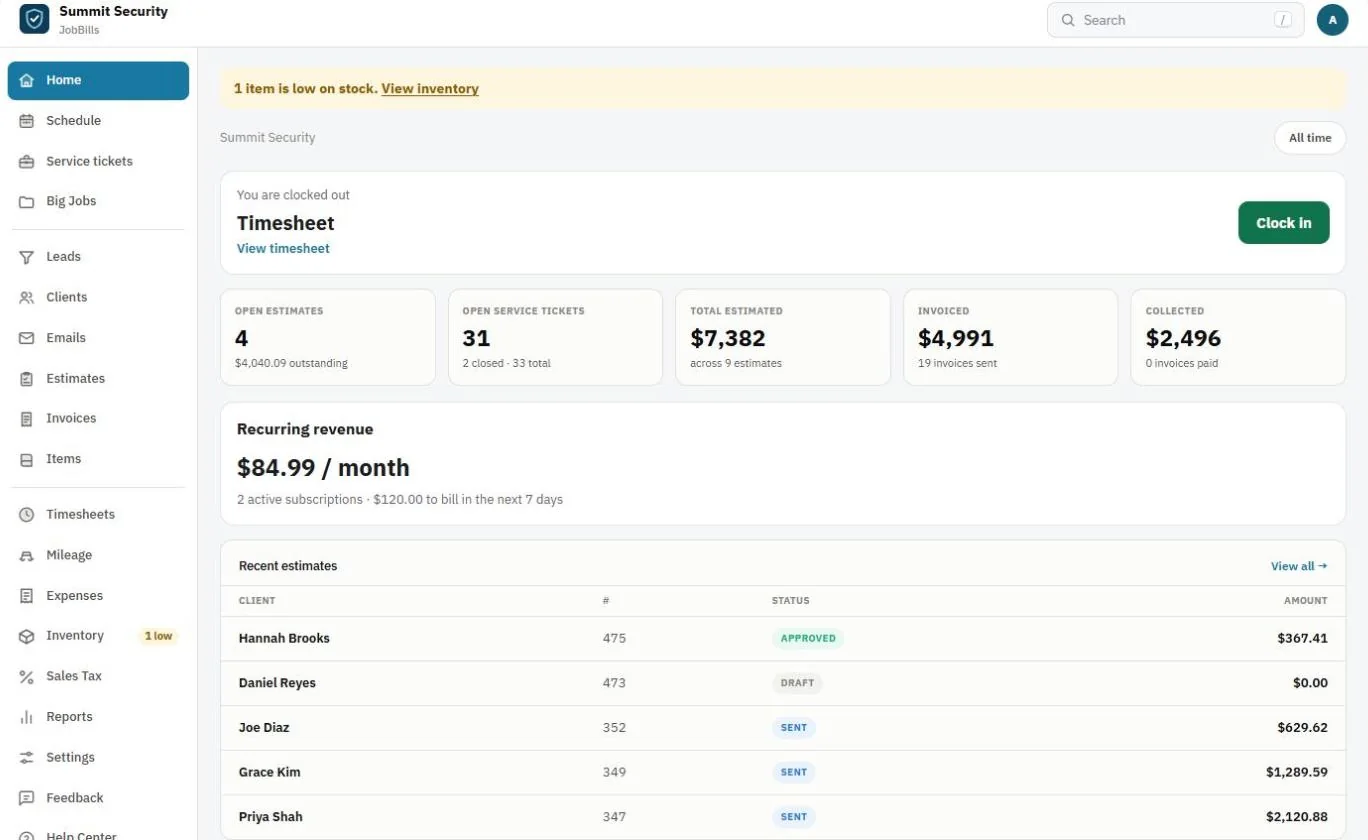
- Press the sign-up button. You'll land on your new Home page.
Tip: Use an email you check often. Sign-in codes, customer replies and notifications go there.
Signing in later
- Go to jobbills.com/login and type your username or email and password.
- JobBills emails you a short verification code. Type it in to finish signing in.
Note: The code keeps your account safe even if someone learns your password. If it doesn't arrive, check your spam folder and wait a minute before asking for a new one.
What to do next
Follow the Getting started checklist on your Home page. It walks you through your business details, logo, payments, customers, Items, first estimate and team. See The Getting started checklist.
Was this guide helpful?
Related guides
The Getting started checklistHow to add your business details and logoHow to find your way around JobBillsStill stuck? Inside JobBills, press the round ? button to ask the help chat, or email [email protected].