How to give the customer options (Good / Better / Best)
Send several versions of an estimate and let the customer choose.
Offering options often wins more jobs. For example: a basic system, a system with cameras, and a full smart-home package.
- Create and save the first estimate.
- Press + Add estimate to add the next option. Give each one a clear Description, for example "Option B: Alarm + cameras".
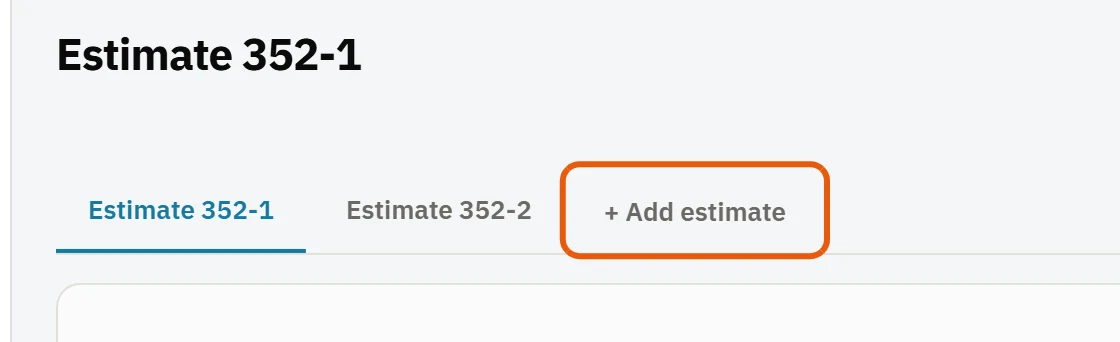
- Add the lines for each option.
- Press Send. Choose which options go in the link, and whether the customer must pick one or may approve several.
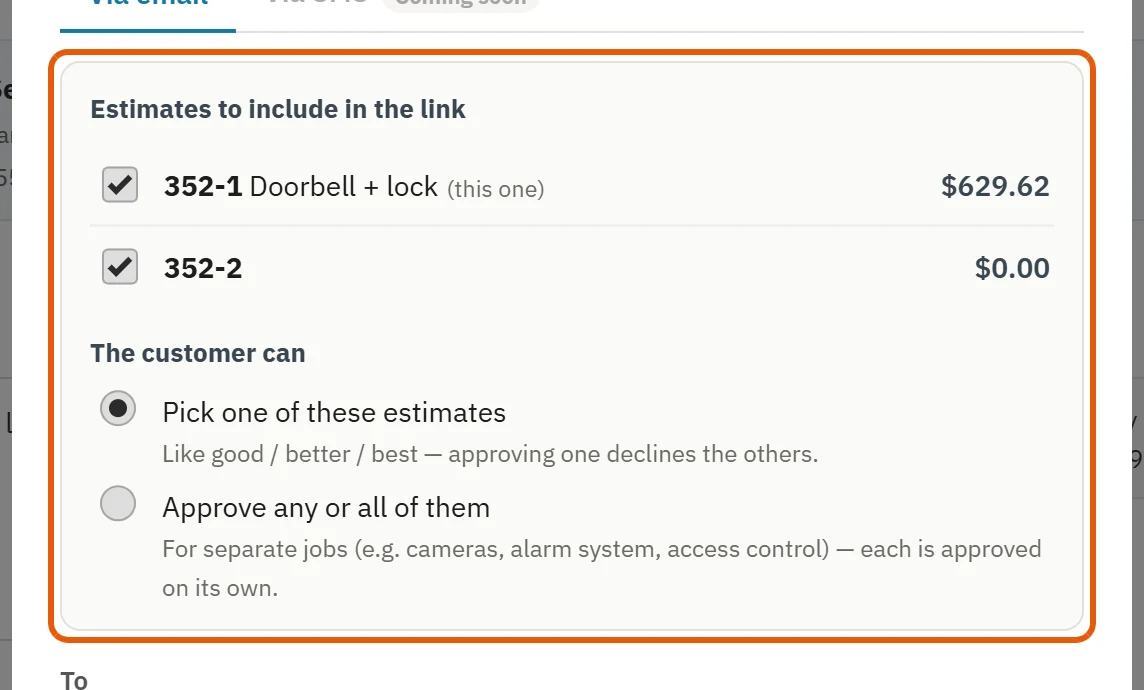
The customer sees the options side by side and signs the one (or ones) they want. Each approved option gets its own signature.
Tip: Use Save as package for lines you repeat in every option, then add them with Add package.
Was this guide helpful?
Related guides
How to create an estimateHow to send an estimate for approvalWhat your customer sees when they approve an estimateStill stuck? Inside JobBills, press the round ? button to ask the help chat, or email [email protected].