Set up your online store
Turn on your shop, choose who can buy, set shipping or pickup and open it to customers.
Your online store is a shop page for your business where customers buy your products and pay by card. The money goes straight to your Stripe account. JobBills doesn't take a fee on store sales.
Before you start
- Connect Stripe in Billing & payments. The shop stays closed until Stripe is connected.
- The store is part of the Starter and Pro plans. Starter can show up to 25 products; Pro has no limit.
Set it up
A new shop shows a Set up your shop checklist at the top of the Store page: Connect Stripe, Add products, Shipping or pickup, and Open your shop. Each step has a button that takes you there.
- Go to Store in the menu and open the Settings tab. Settings are in sections (Shop, Delivery, Sales tax, Look, Policies); press a section's name to open or close it.
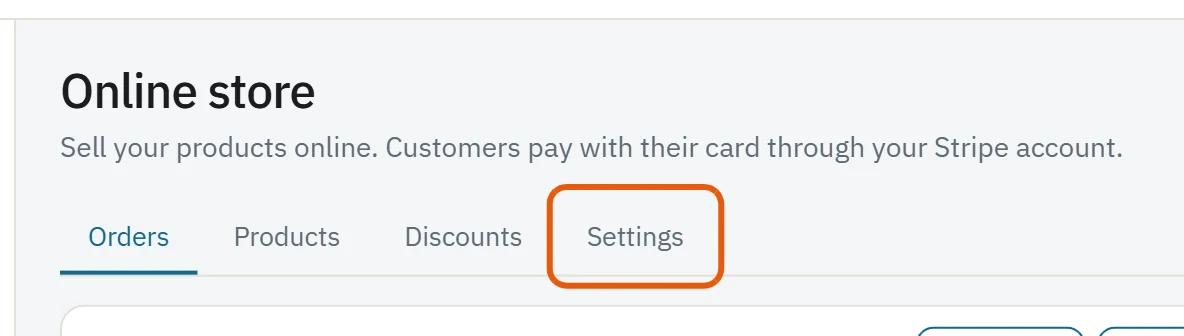
- In Shop, under Who can shop, pick Open to everyone, Customers only (your clients sign in with a link we email them) or Off.
- Check the Shop link. It's jobbills.com/shop/your-business-name. You can change the last part.
- Add a Welcome message if you like. It shows at the top of the shop.
- In Delivery, turn on Offer shipping, Offer pickup, or both (see Ship orders and print packing slips).
- In Sales tax, set your rates (see Sales tax for store orders).
- In Look, pick your brand color, a banner photo, a style (Premium, Classic or Bold) and a layout.
- In Policies, add your store policies (returns, shipping times). They show in the shop and on each product.
- A bar appears at the bottom when you change something. Press Save changes (or Undo).
The bar at the top of the Store page shows your shop link with Copy link, Share and View shop buttons.
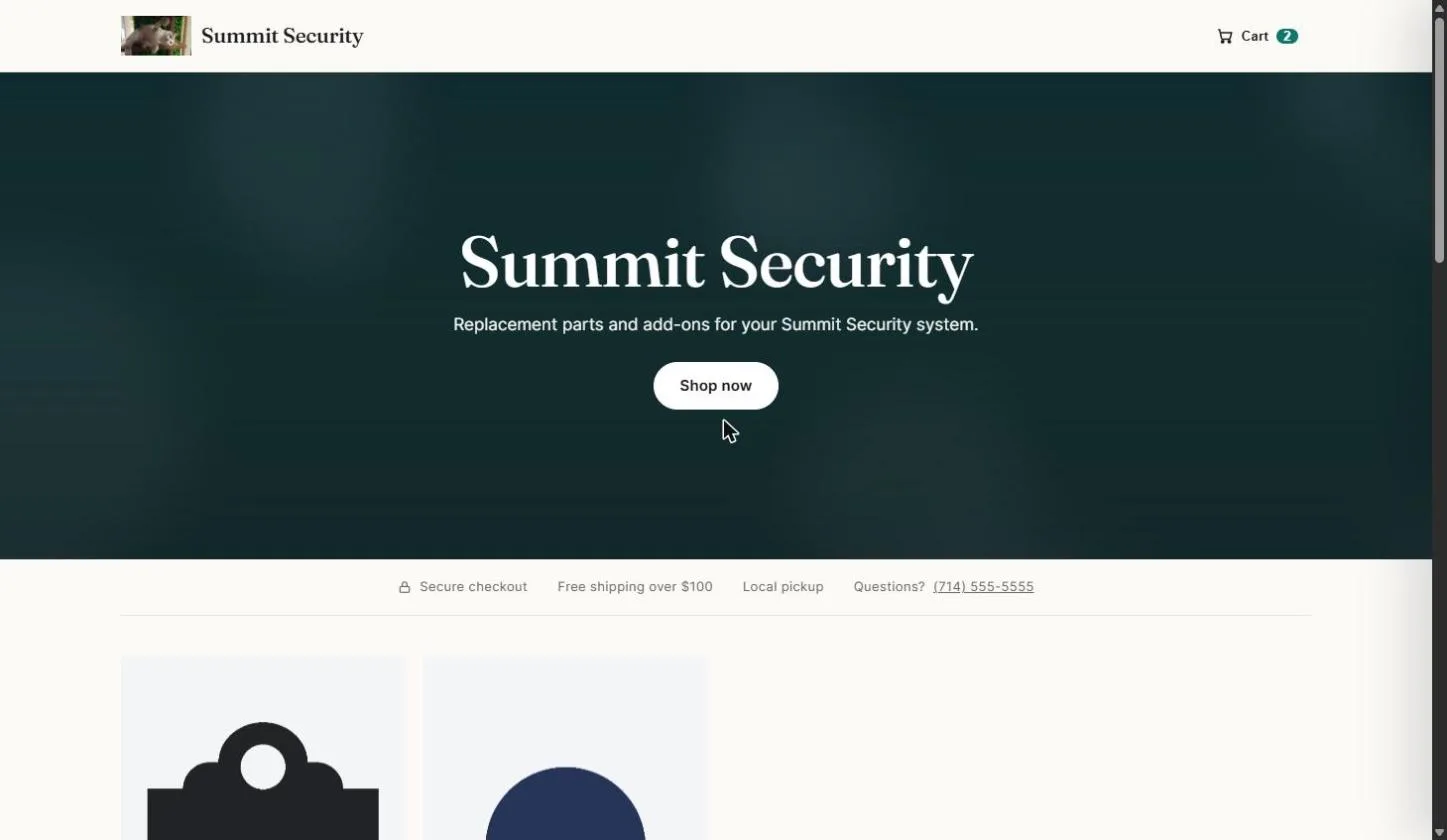
Get customers to your shop
- Press Copy link or Share at the top of the Store page and send your link by text, email or social media. Links to a product show its photo and price.

- Want it on your own web address, like shop.yourbusiness.com? See Use your own domain for your shop.
What your customers can do
- Browse, pick sizes or colors, add to the cart and pay by card.
- Get a receipt email and a link to their order page, which shows its status and tracking.
- Sign in with an email link to see My orders and buy again.
Was this guide helpful?
Still stuck? Inside JobBills, press the round ? button to ask the help chat, or email [email protected].